Your cloud.
A stronger
foundation.
Go from an empty account to a private landing zone and a Kubernetes platform. On your cloud. In code you own.
Terraform + Ansible · Python standard library · Apache-2.0
CloudTrail · GuardDuty · flow logs
cs setup aws --dry-runAudit logs · flow logs
cs setup gcp --dry-runActivity Log · network controls
cs setup azure --dry-runHost hardening · local state
cs setup vmware --dry-runPreview the Terraform first. Review the plan before you apply.
FROM FIRST PLAN TO DAY TWO
Build it. Operate it.
Know how it works.
One consistent workflow from the network up. Every layer stays inspectable, with Terraform, Ansible and Helm underneath.
Lay the groundwork
Create private networks, a hardened bastion and a cloud security baseline. Add a private Kubernetes cluster when you need one.
cs setup aws --dry-run 02 Assemble your platform
Install GitOps, observability, gateways and secrets, then grow into data, AI and security stacks.
cs platform install basek8s 03 Test your resilience
Run backup and restore drills, chaos experiments and compliance scans. Read the results in saved reports.
cs dr test THE SAME COMMANDS. YOUR WAY.
A clear view of
your infrastructure.
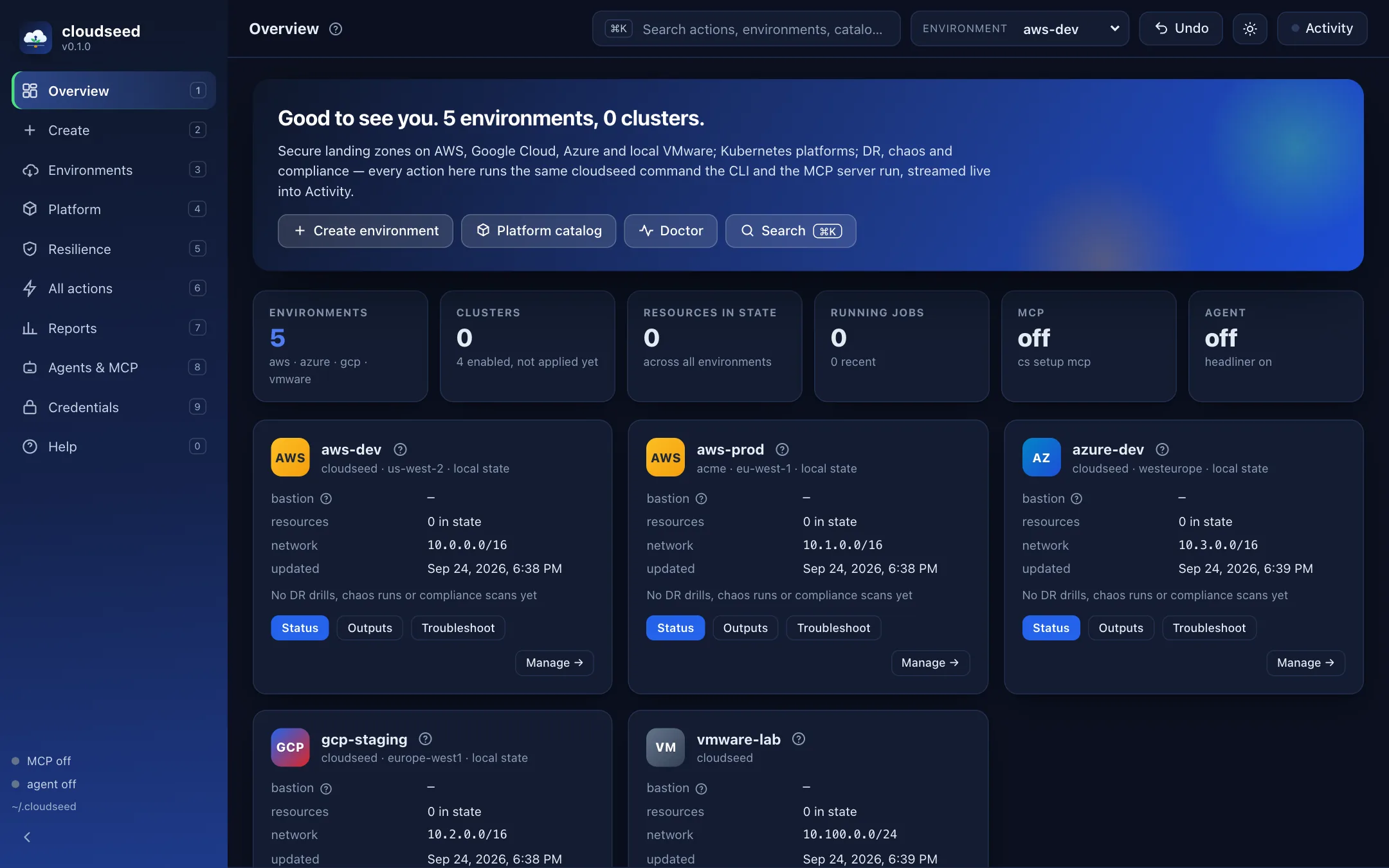
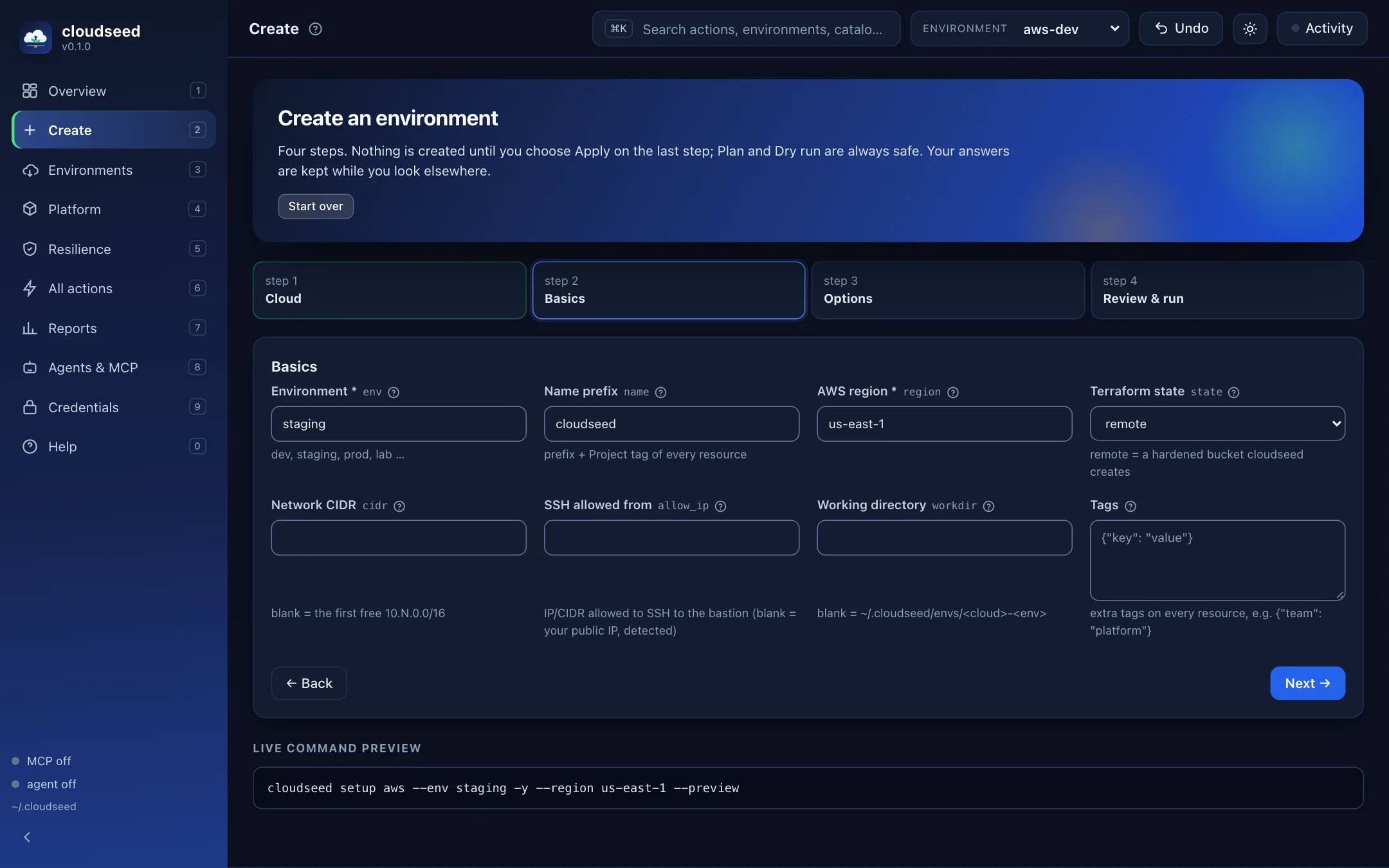
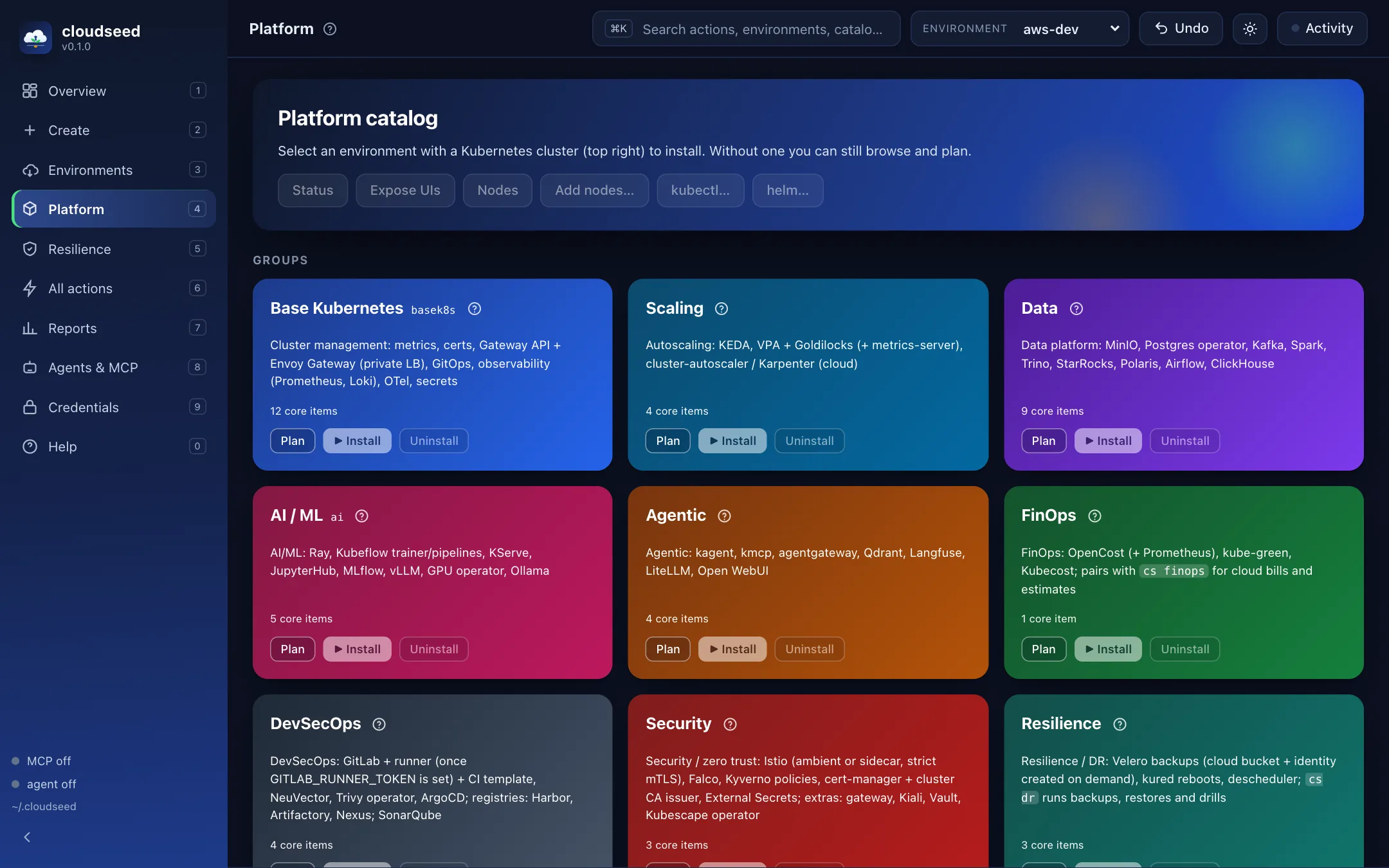
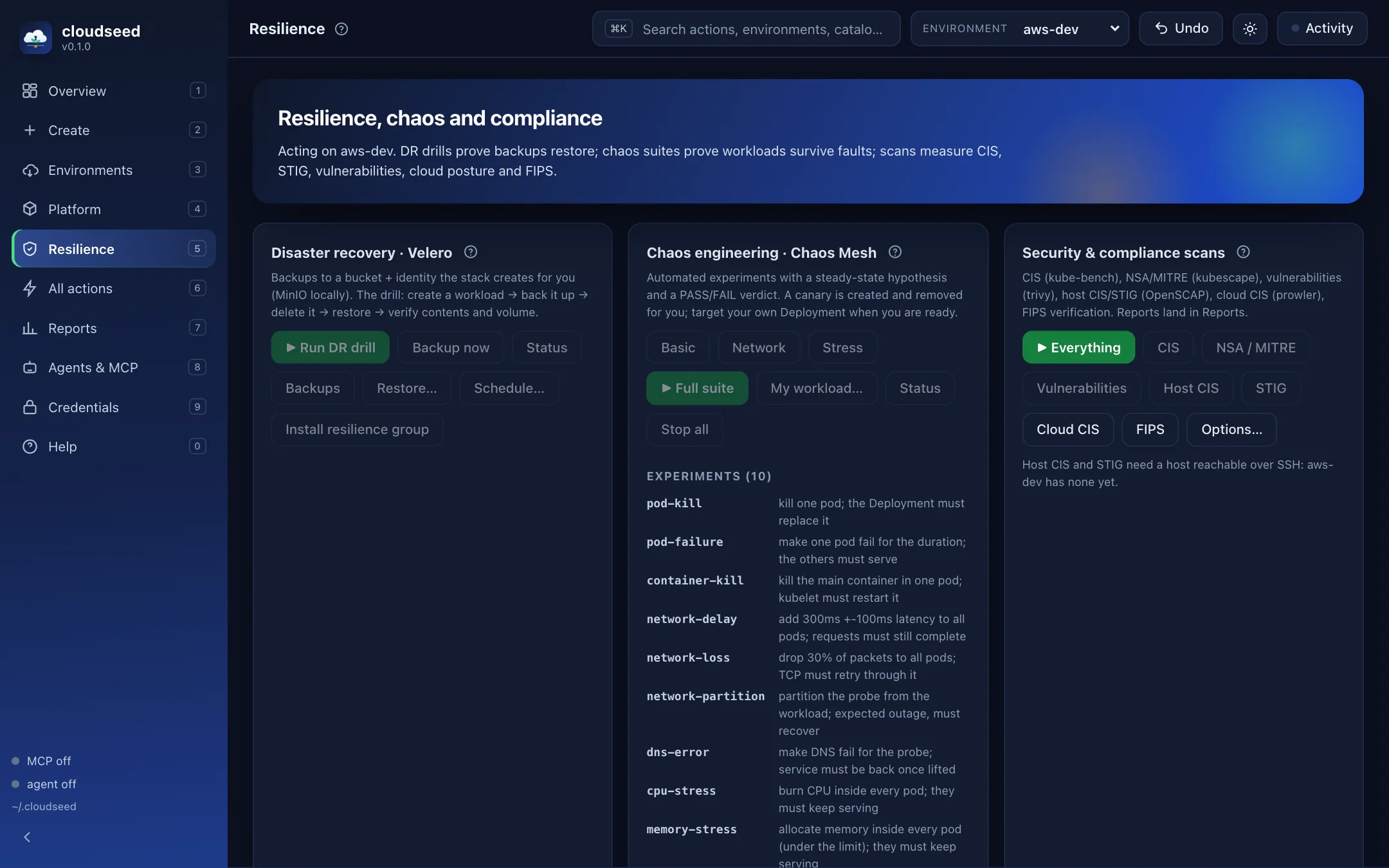
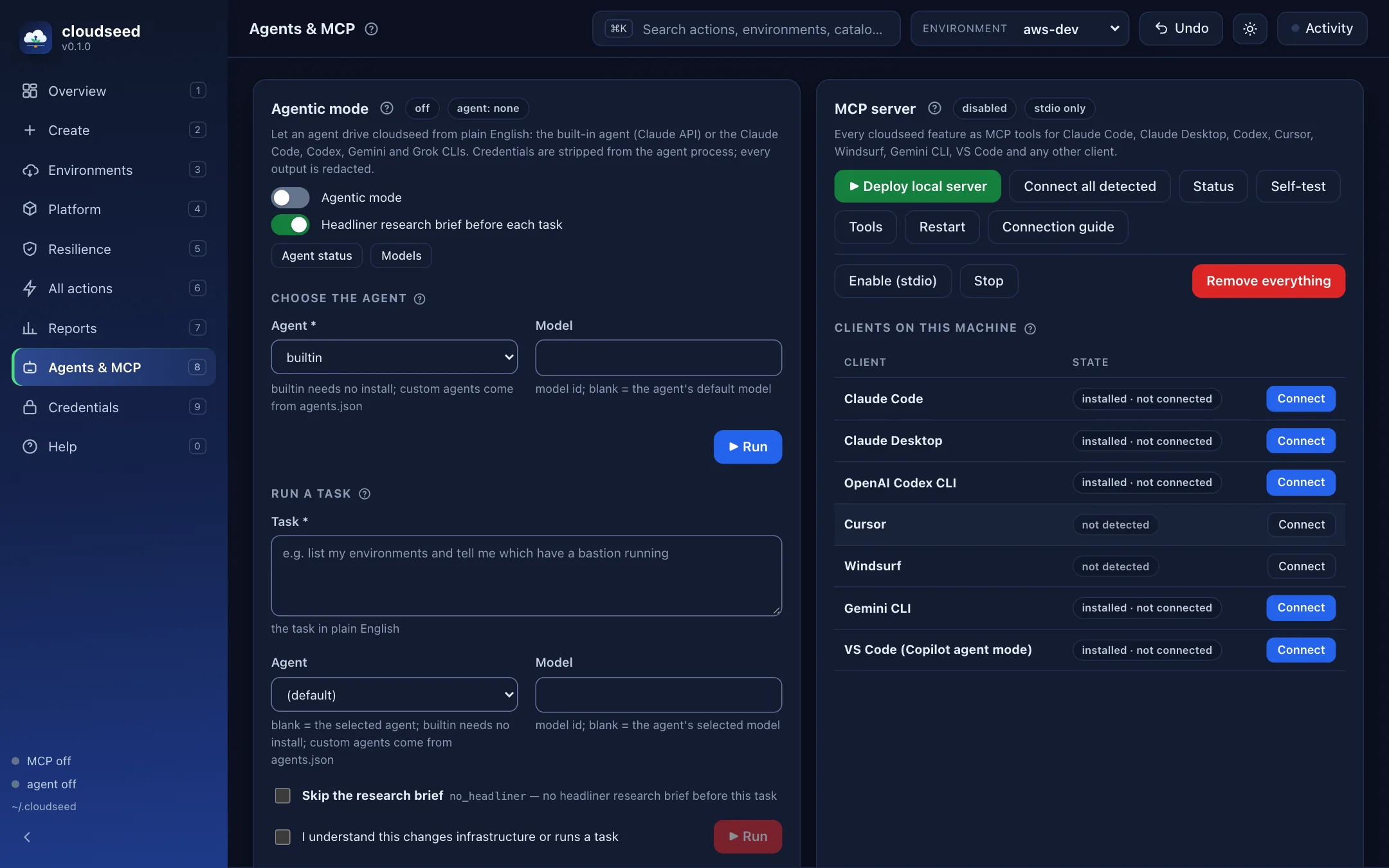
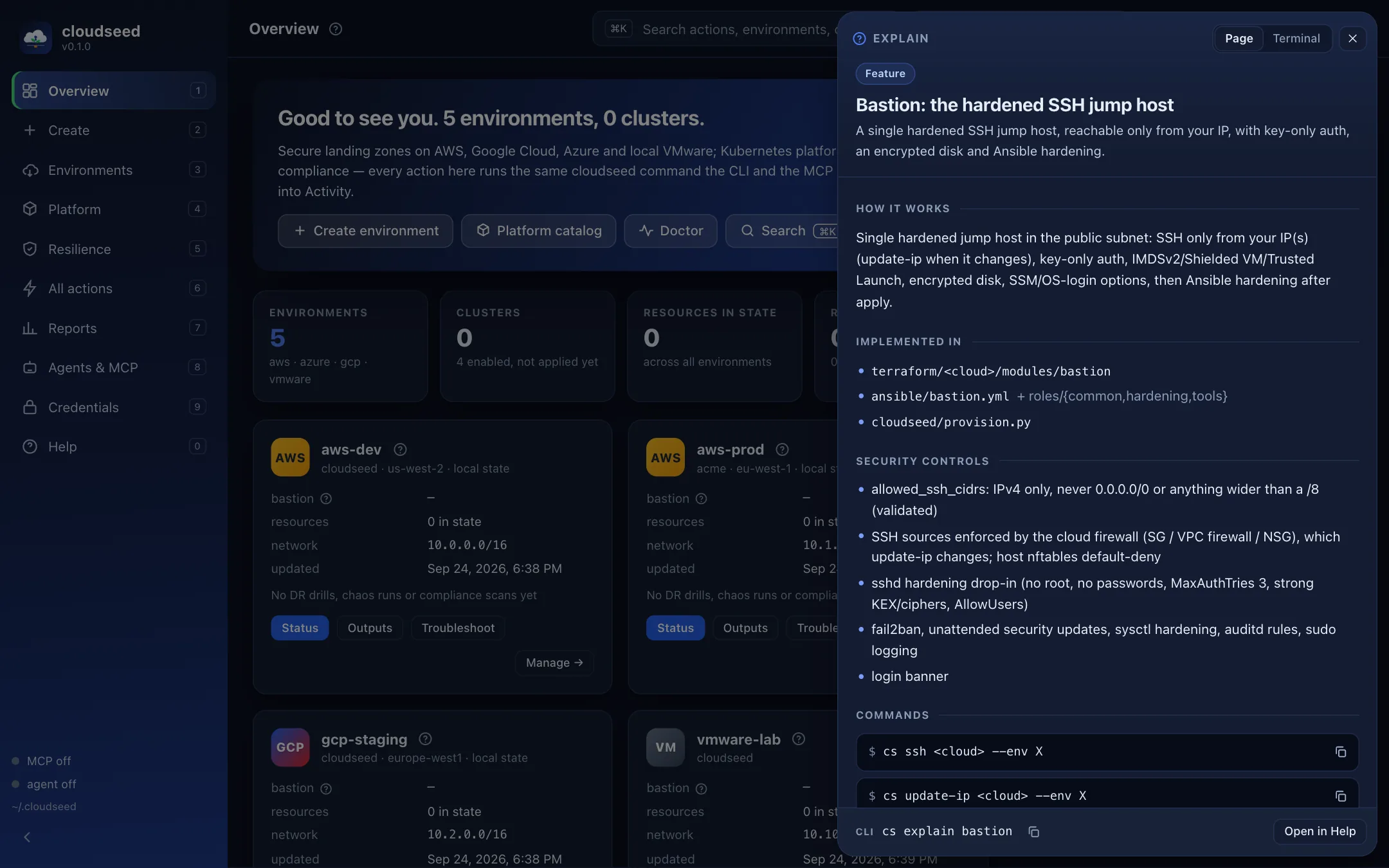
Work in the terminal, open the local web console, or connect an MCP client. The console runs cloudseed commands and streams their output.
Meet the web console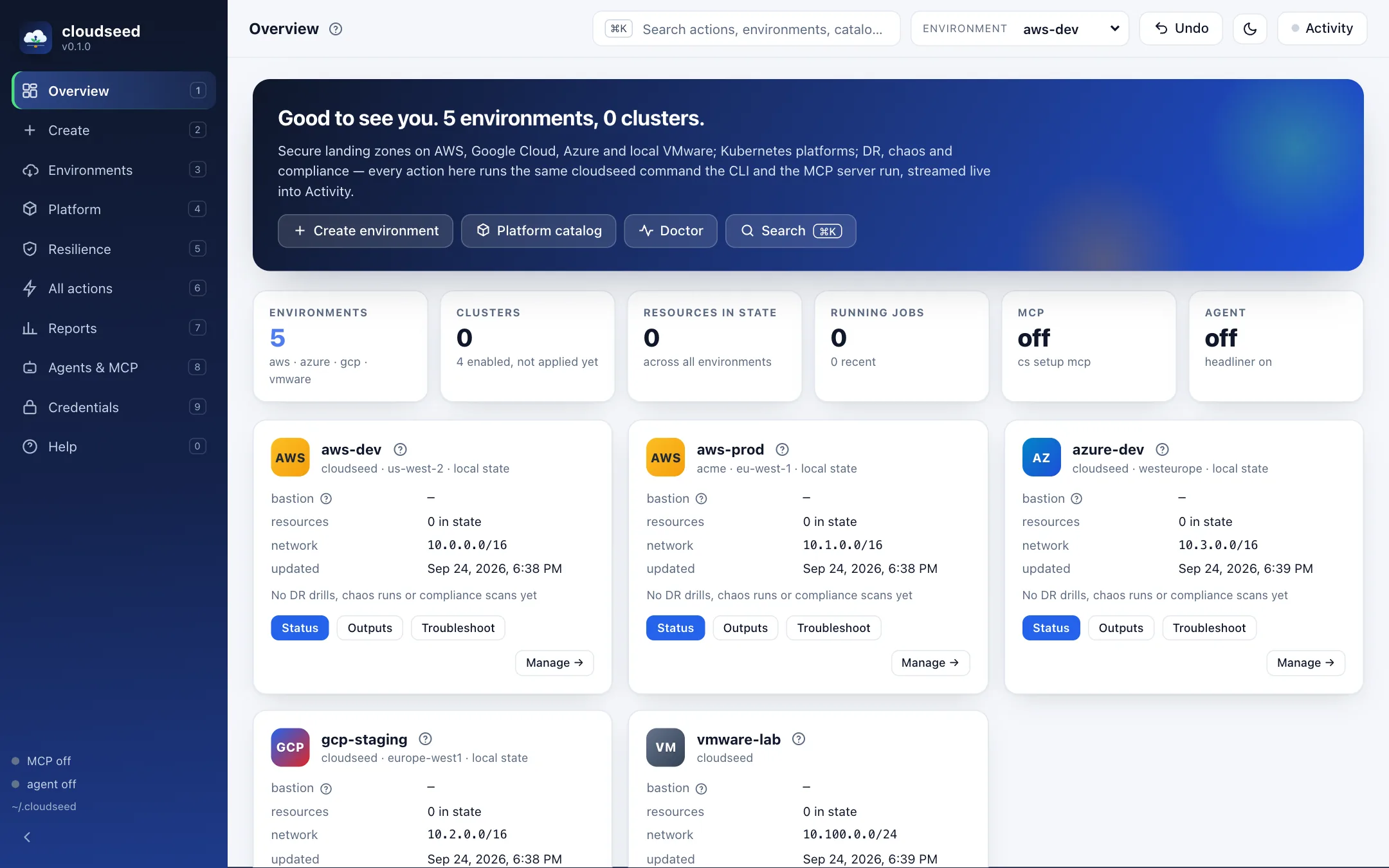
cs enable ui ↗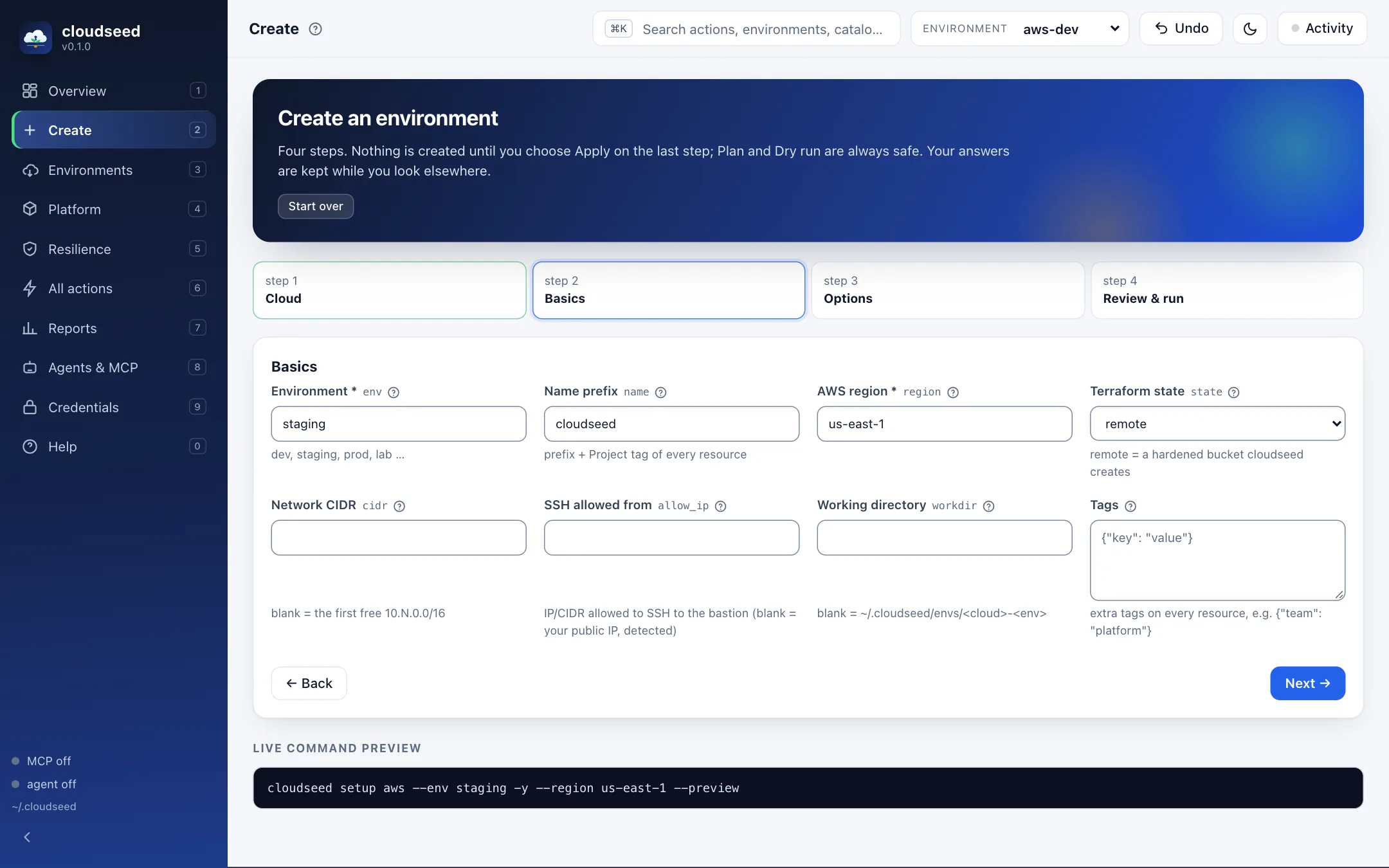
cs enable ui ↗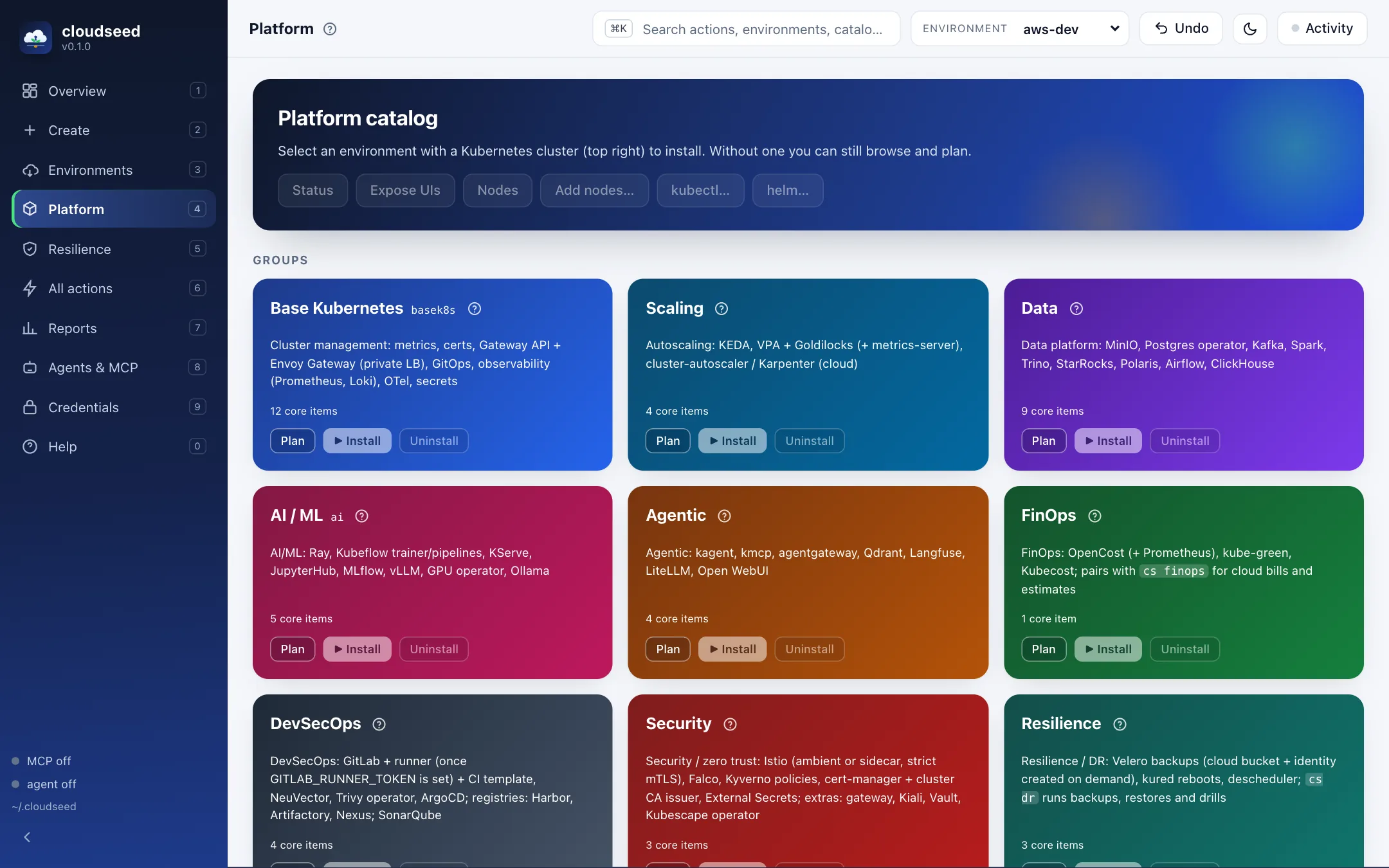
cs enable ui ↗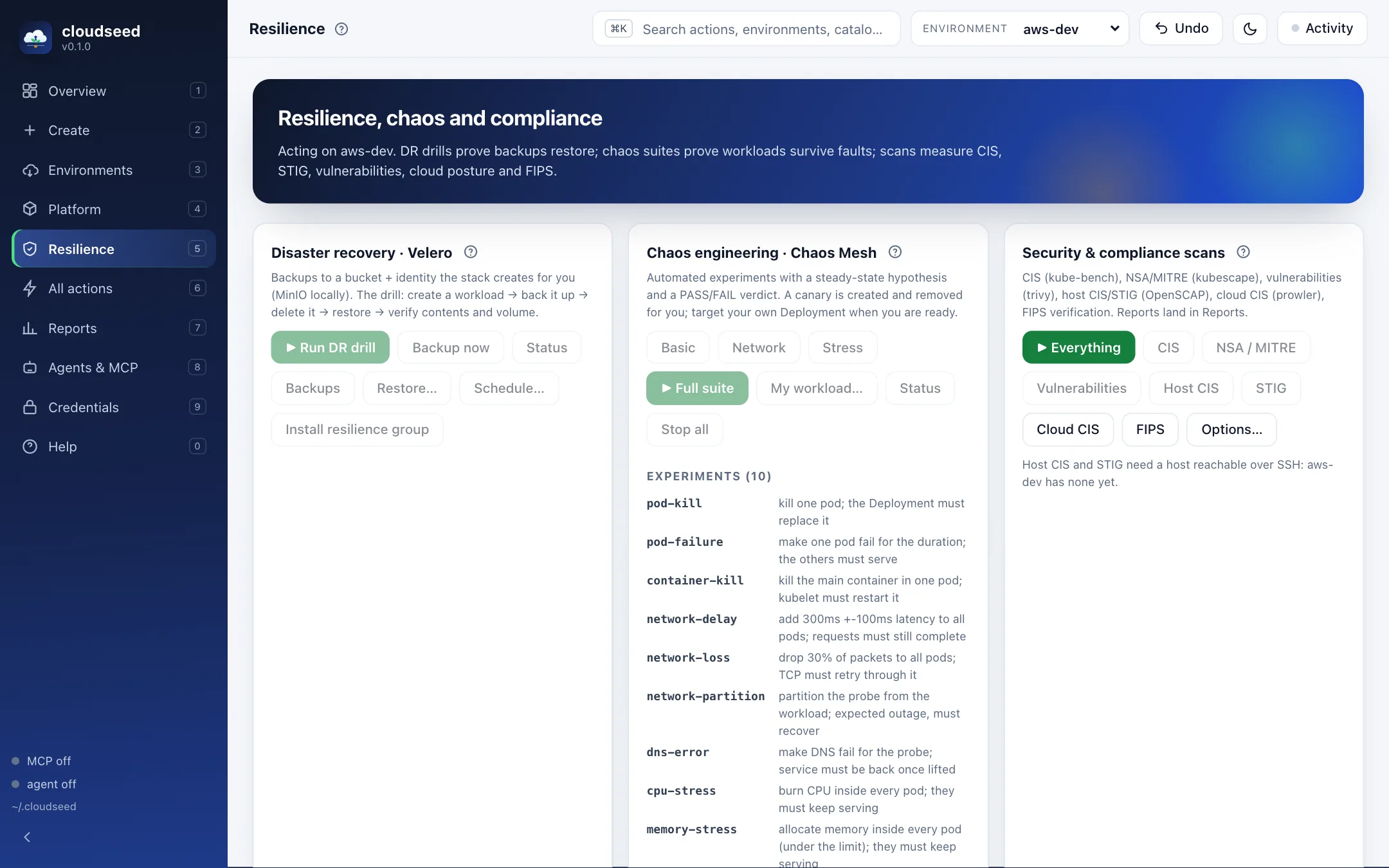
cs enable ui ↗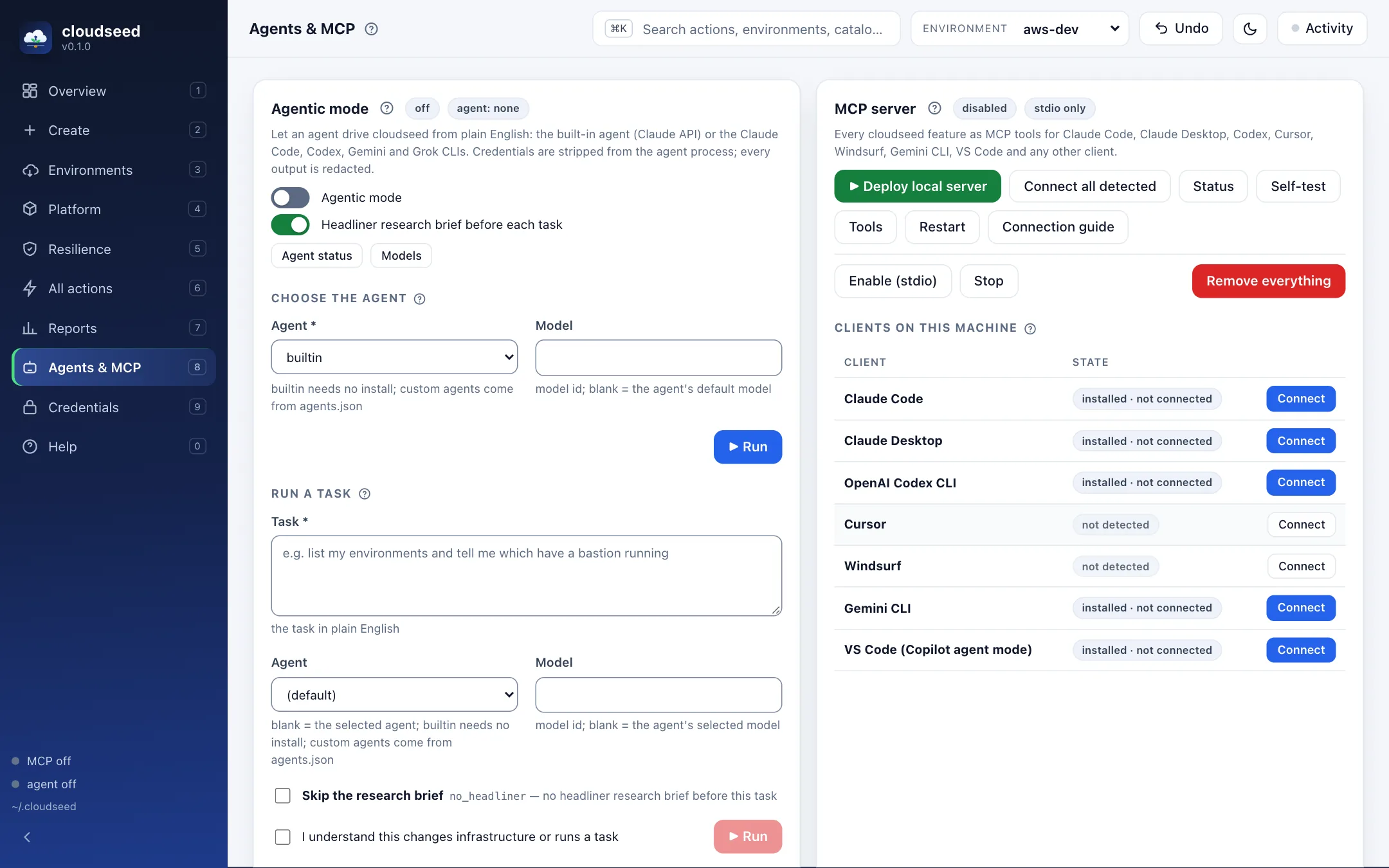
cs enable ui ↗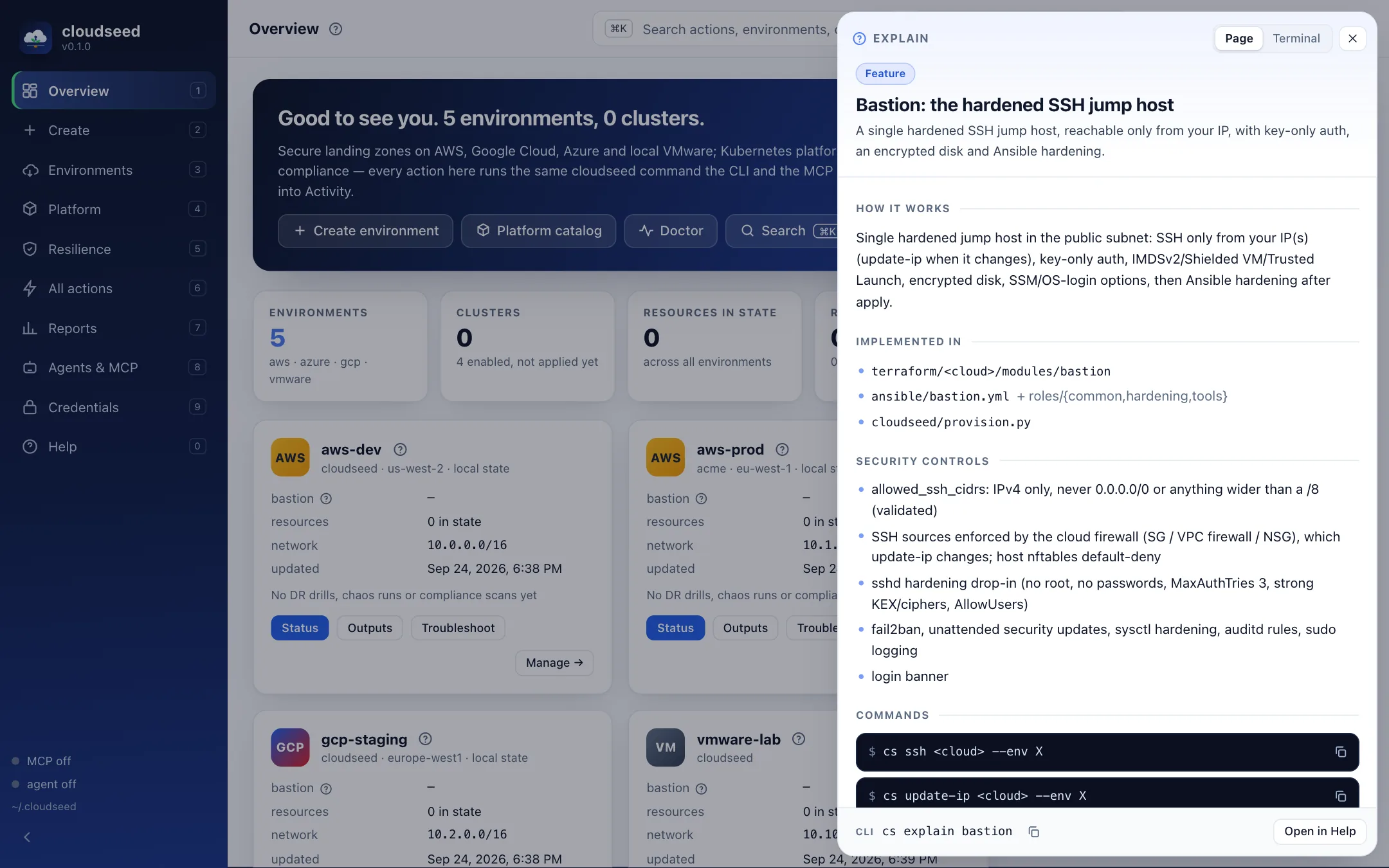
cs enable ui ↗A FOUNDATION YOU CAN GROW
The useful parts,
already connected.
Start with the essentials. Add the capabilities your environment needs, with guides that explain the tradeoffs.
Kubernetes & platform
Private EKS, GKE, AKS, or a local RKE2 / kubeadm cluster. A catalog spanning ten platform groups.
Security & access
Host hardening, private access, VPN options and FIPS configuration with documented prerequisites.
Recovery & resilience
Velero restore drills, Chaos Mesh experiments and compliance scans with saved verdicts.
Agents & MCP
Use the built-in agent with approval gates, or expose cloudseed commands to your MCP clients.
Cost visibility
Estimate costs before applying, query supported cloud billing APIs and inspect Kubernetes allocation.
Explain & audit
Trace a feature to its source, inspect command logs, and use operation-specific undo where supported.
PICK YOUR STARTING POINT
Less searching.
More building.
Start on your laptop
Build a private VMware lab and learn the workflow before moving to a cloud.
CLOUD FOUNDATIONBuild an AWS landing zone
Walk through the network, bastion, remote state and optional private EKS cluster.
GO DEEPERRead the reference
Explore commands, cloud variables, platform items and MCP tools, generated from the code.
START WITH A PREVIEW
Your next environment
starts here.
Clone the repo, install the CLI, and inspect a dry run.
Installation requirementsgit clone https://github.com/nimeshbuilds/cloudseed.git
cd cloudseed
./scripts/install.sh
cs setup aws --dry-runmacOS or Linux · Python 3.9+ · Terraform 1.10+